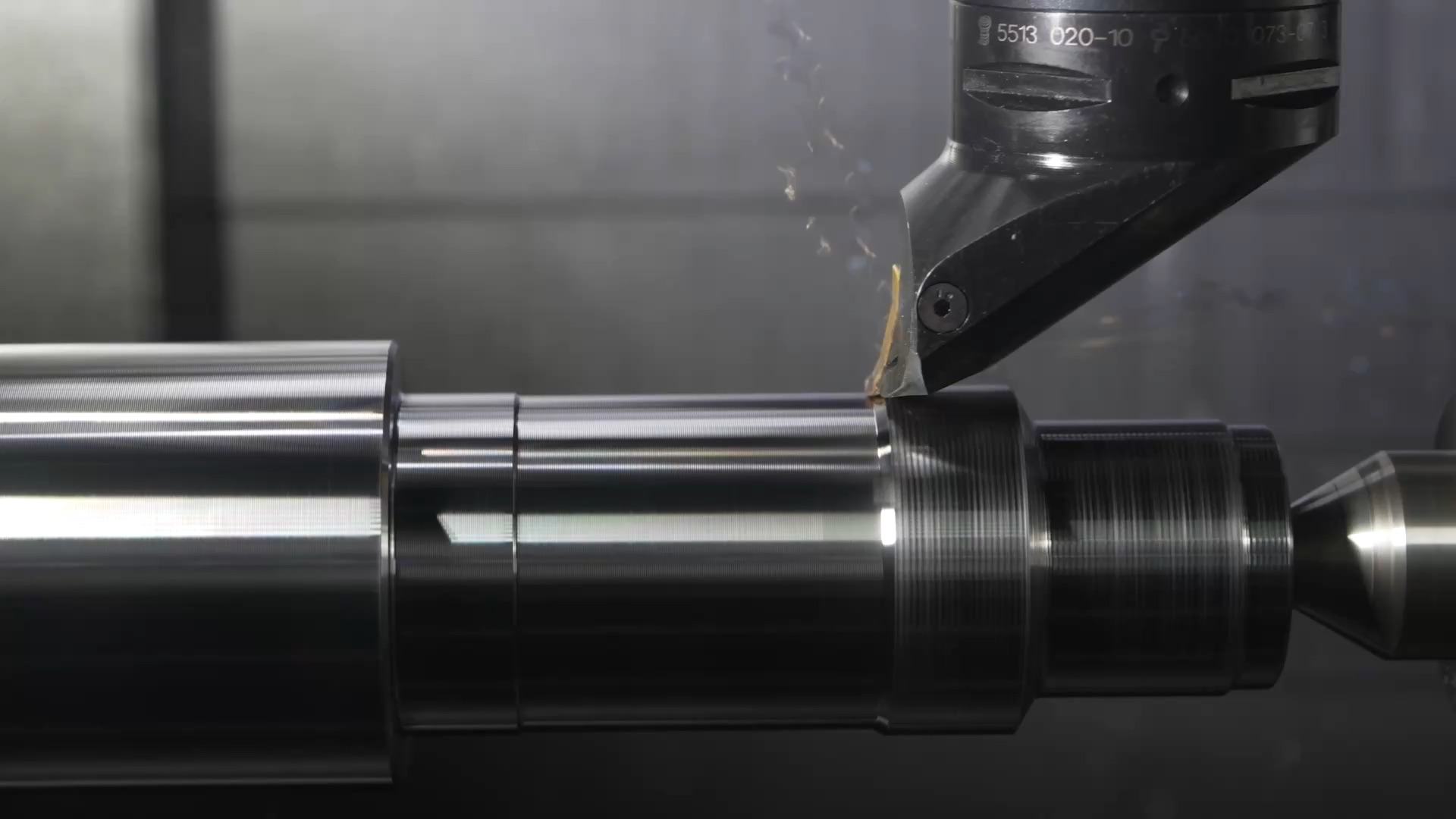
Sell CNC machined parts made to measure
Let customers set the dimensions, material and finish of a part and see it in 3D with its price, so every order arrives fully specified and ready for your machines.
What your customers choose
- Length, width, height and wall thickness
- Holes, pockets and threads from your own presets
- Material such as aluminium, steel, brass or POM
- Finish, tolerances and quantity
Websites made for machine shops
Start from a template made for your trade, with the configurator already on its pages. Change the words, pictures and colours in the page builder.
Partdesk
An instant-quote desk: customers pick a technology, upload a CAD file and see the lead time and the price.
Toolroom
A machine shop that turns, mills and welds to drawing: customers check their part against the machine park, drawn to scale on every machine, and ask for a price.
Workpiece
On-demand manufacturing for engineers: laser, CNC and sheet metal from one quote.
Partline
An online parts shop: upload a file, see the price, order flat parts cut and bent.
Materials, finishes and the work order
You decide what your configurator offers; these are examples from this process. Work orders come with the Professional plan.
Materials
- Aluminium 6082 and 7075
- Steel S235 and stainless steel 304
- Brass
- Plastics such as POM and PA6
Finishes
- As machined
- Anodised in a choice of colours
- Bead blasted
- Powder coated
In the work order
- Every dimension and feature as configured
- Material, finish and tolerances
- Quantity, with the machine and tools from your CAD set-up
Files we take and make
Files in
- STEPImported into a CAD project in the panel (CAD → Documents)
- DXFImported into a CAD project in the panel (CAD → Documents)
Files out
None yet.
From order to production
- 1
Configure
Your customer specifies the part in the configurator and sees it change in 3D.
- 2
Quote and order
The price follows every choice, and the quote turns into an order.
- 3
Machine
The order becomes a work order on your CNC machines and tools, followed in the queue.
Products to sell online
Each one has its own page with a configurator or a website template, a sample price and its questions.
Other processes
Sheet Metal
Brackets, panels and enclosures from cut and bent sheet.
3D Printing
Custom printed parts, from one-offs to small series.
Laser Cutting
Plates, signs and flat parts cut from sheet.
Panel Cutting
Boards cut to size, edged and drilled for furniture.
MDF Sheets
MDF cut to size, routed, primed or lacquered.
PCB
Printed circuit boards built to your customers' specs.