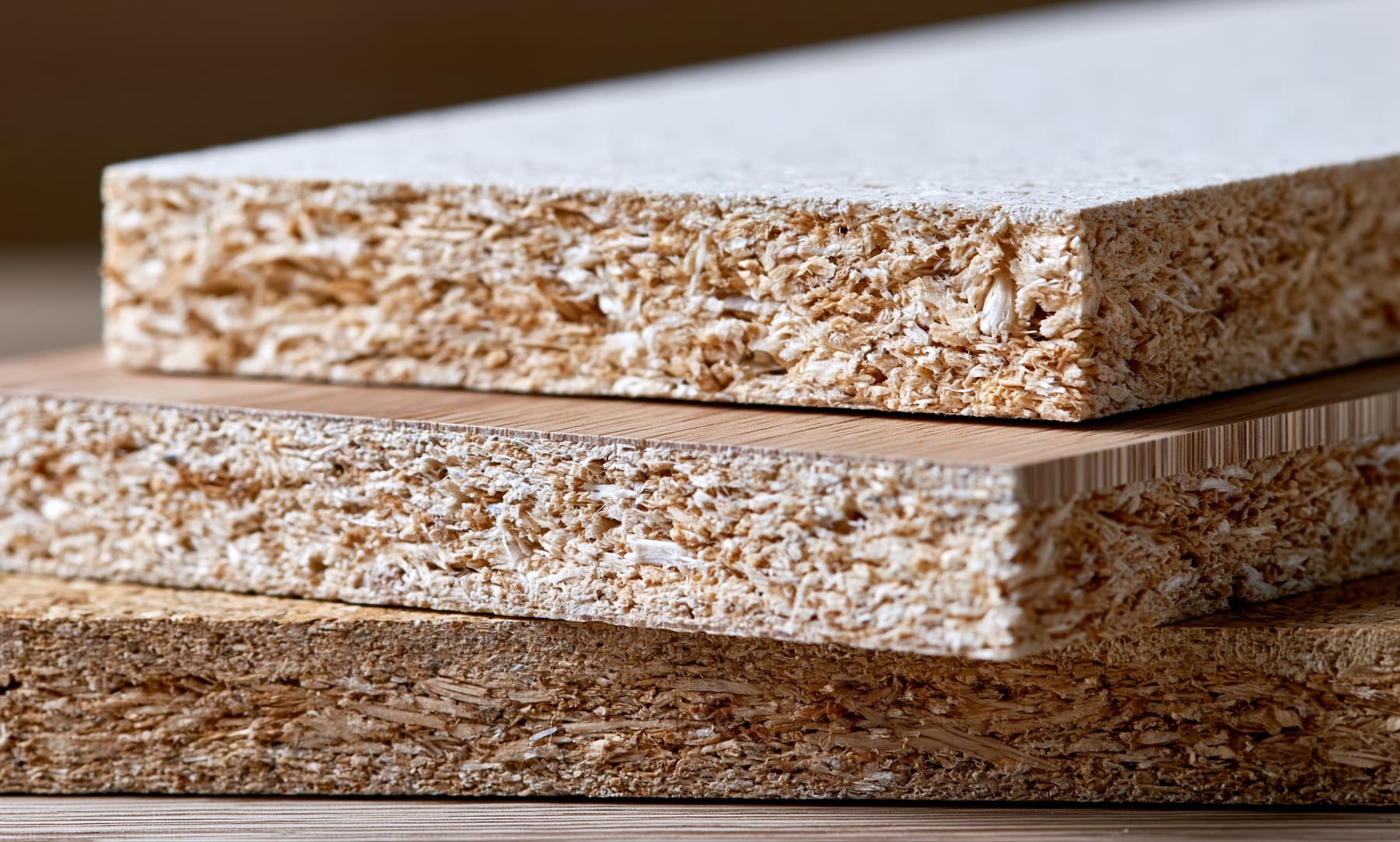
Many workshops price from a spreadsheet: a sheet of materials, a column of thicknesses, a few formulas that only one person understands. That spreadsheet is already most of a configurator. Moving it online is less about software than about writing down what the sheet already does.
Read the spreadsheet as a configurator
The rows are the choices a customer makes: the materials. The columns are their variants: thickness, colour, grade. The cells are rates, usually per square metre or per piece. The formulas are your price rules. Name each of these before you change anything.
Tidy it into one table per product
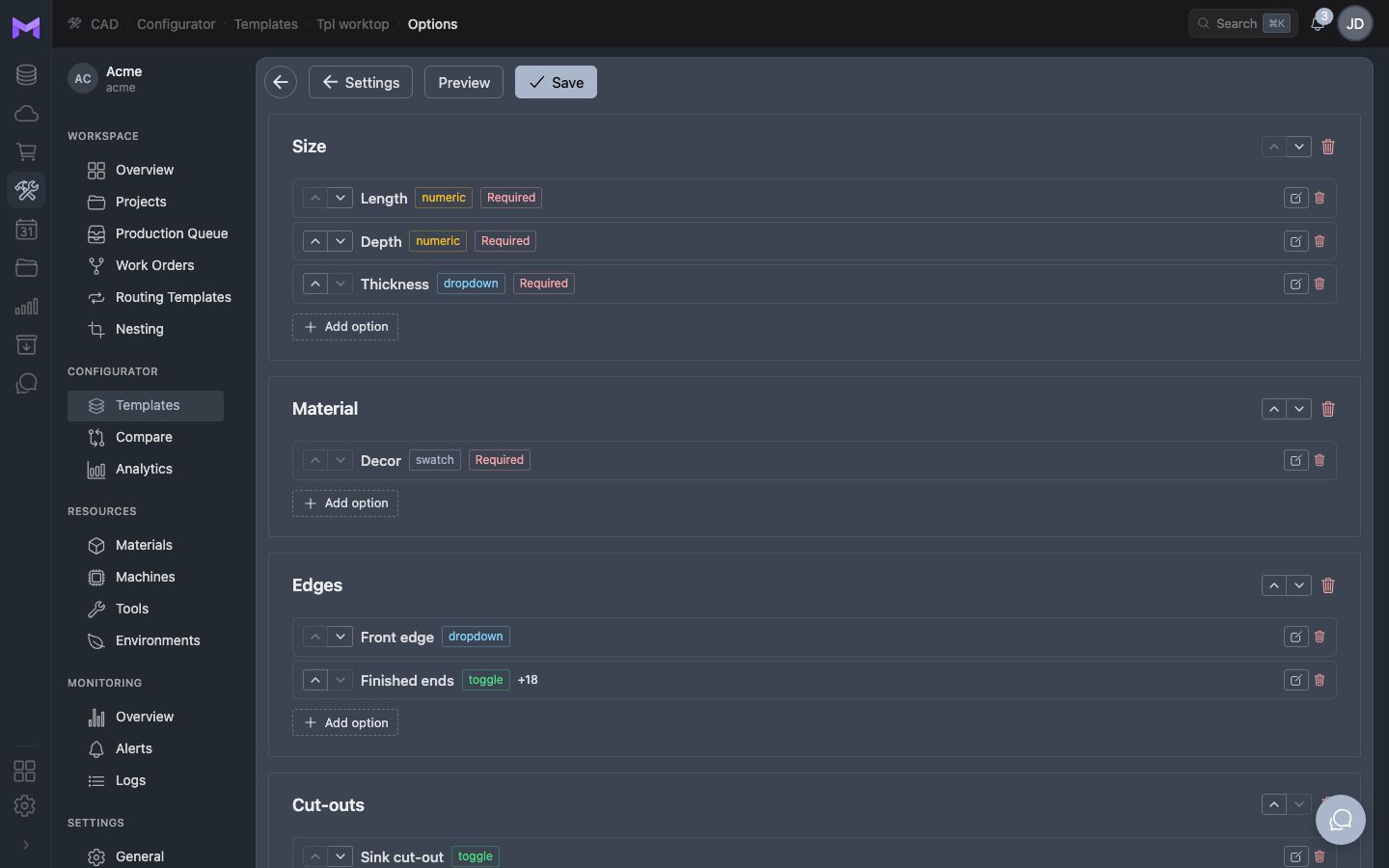
Split the sheet by what customers buy: one table for panels cut to size, one for doors, one for worktops. Each table holds the materials with their rate, the options with their price, and the limits: the smallest and largest size, the thicknesses you stock.
Name the choices in the customer's words
Your sheet says "MFC 18 H1145". The customer is looking for "oak, 18 mm". Give every material a name and a picture a customer recognises, and keep your code next to it for the work order.
Write the formulas out as rules
Open every cell with a formula and write down what it does in one sentence: area times rate, plus so much per metre of edge, plus a cost per piece, rounded up to the next euro. Look for the hidden parts: a cell that adds 10% for small parts, a minimum that only applies to one material, a rounding that changes the total.
- Area × rate of the material
- Plus each option: per piece, per metre or per square metre
- Plus a fixed cost per piece and per order
- Quantity breaks and the minimum order
- Rounding, and whether prices include VAT
Test with past orders, then keep one source
Enter ten past orders in the configurator and compare its prices with the spreadsheet. When they match, stop updating the spreadsheet: a price list kept in two places is soon two price lists. Change prices in the configurator, and export them when you need a sheet.