A new website can bring a drop in visitors from Google, not because the new site is worse, but because the addresses Google knew have gone. Rankings belong to addresses. Move the addresses with care and the rankings move with them.
Know what your rankings are attached to
Google ranks pages, and pages are addresses: /oak-worktops, /products/doors?colour=white. Each address carries what Google learned about it, its words and the links from other sites that point to it. When an address stops working, all of that is lost unless something sends visitors and Google on to the new page.
Before the move: list every address that matters
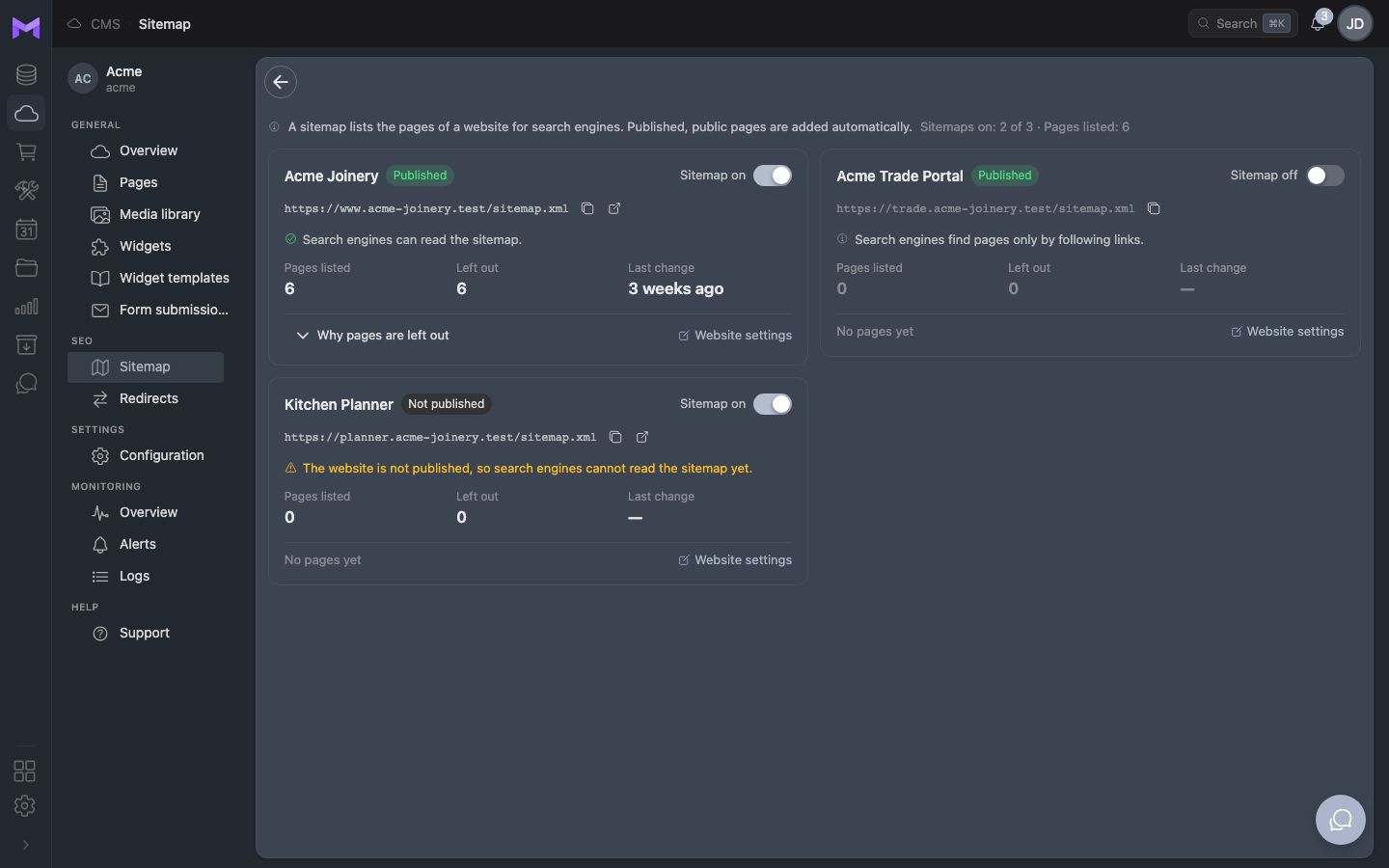
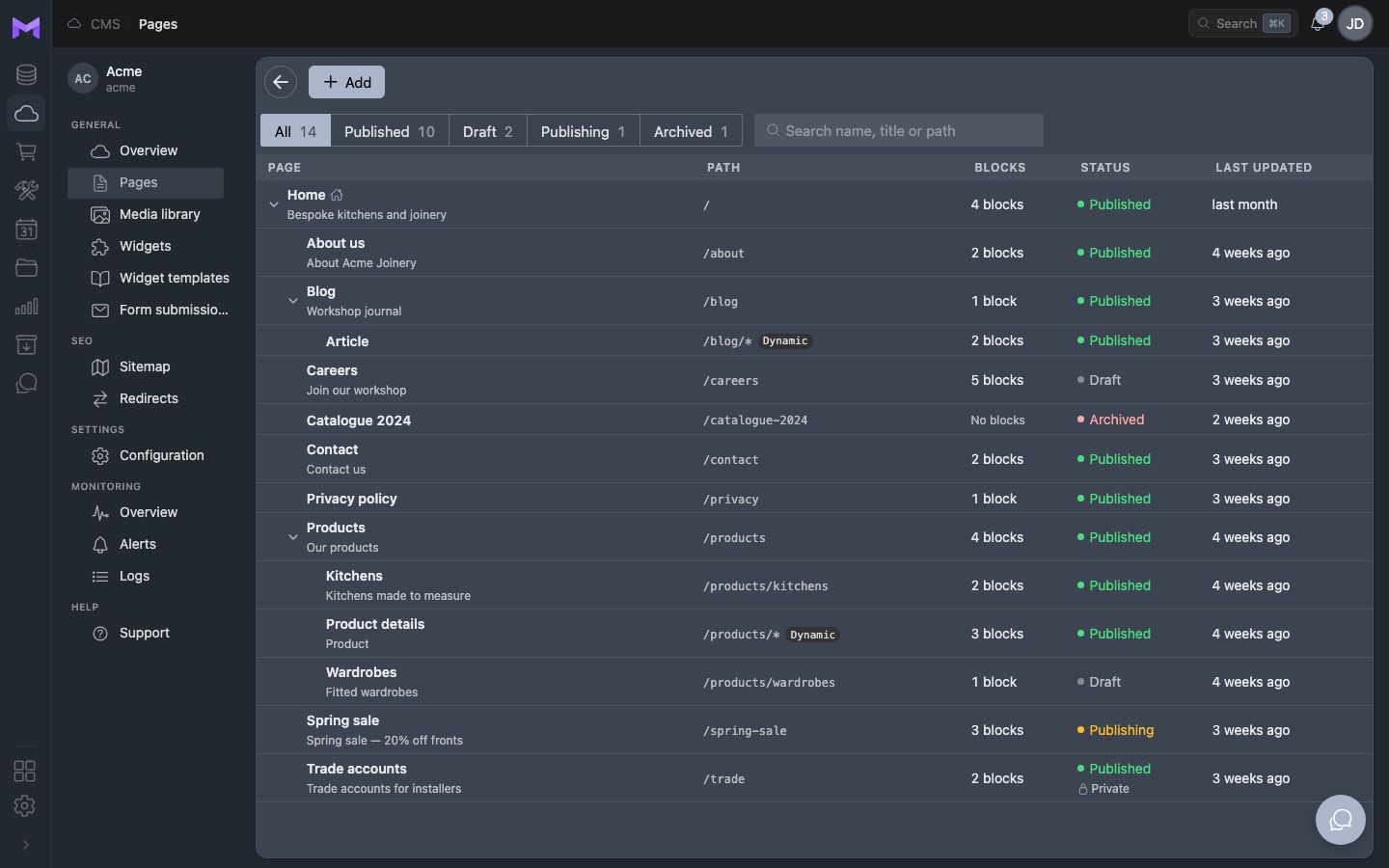
Export the pages that get visits from Google Search Console and your analytics, and the addresses in your current sitemap. Note each page's title and description too. This list is the plan for the move: every address on it needs a place on the new site.
Redirect each old address to its new page
A permanent redirect (301) tells browsers and Google that a page has moved for good, and passes most of what the old address had earned to the new one. Redirect each old address to the page that replaces it, not to the home page: a visitor who looked for oak worktops should land on oak worktops.
- One redirect per old address that had visits or links
- To the closest new page, never in a chain of redirects
- For every language version, not only the default one
- Pages that are gone for good can go to the nearest category
Keep what made the pages rank
A move is not the moment to rewrite everything. Keep the titles, the headings and the main text of the pages that bring visitors, and change them later, one at a time, when you can see the effect.
After the move: watch and fix
Send the new sitemap to Google Search Console on the day of the move. For the next weeks, check its report of pages not found, and add a redirect for every old address that still gets visits. A short dip is normal; a lasting one usually means addresses that were missed.